Limited Time: Lock in Founding Member pricing.Pre-Book Now →

Compress Image to 100KB - Photo Chhoti, Quality Full

Compress any photo to 100KB in your browser. Nothing is uploaded, so it works on a weak connection and your file never leaves the phone.

100KB is the sweet spot. A 3MB phone photo compresses to 100KB with no difference a buyer would notice on a phone screen — which is why it is the most searched compression target in India.

Doing more photos today?

One tap. We'll tell you what your drop costs and how long it takes.

Why is 100KB the most common target?

Because it is the point where file size stops mattering and quality has not yet started to. A typical 3MB photograph from an Indian mid-range phone reaches 100KB through quality reduction alone, at full resolution, with losses invisible on the screen almost everyone views it on.

Amazon seller images, a large share of school and college portals, and most exam form uploads all settle here. So does WhatsApp, roughly, once its own compression has finished with your photo.

That makes it the right default when a form does not specify. If you are unsure what a portal wants, 100KB is the number least likely to be rejected in either direction.

A 3MB phone photo compressed down to 100KB, and what survives at that size
A 3MB phone photo lands here intact

Does 100KB hold up for marketplace listings?

For most categories, yes. A kurti, a pair of shoes or a phone case at 100KB looks entirely acceptable in a Meesho or Amazon listing grid, where the image is displayed a few hundred pixels wide.

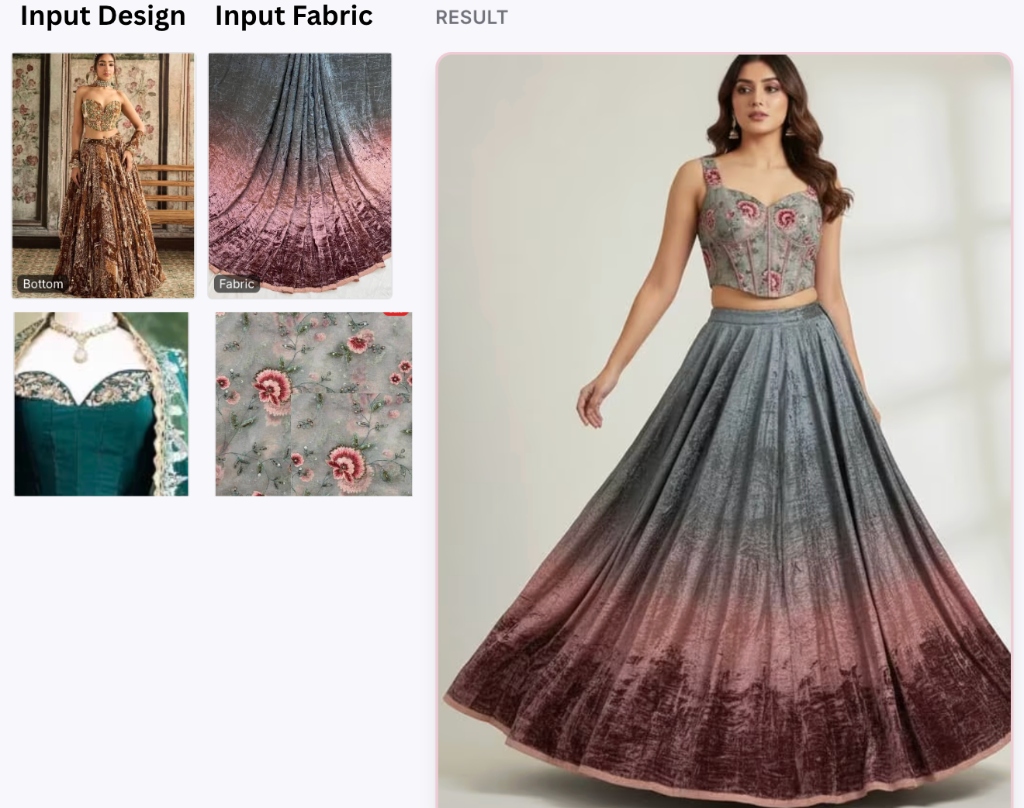
Where it starts to matter is fabric and jewellery, because those buyers zoom. If a customer is judging weave or plating from your photo, the detail 100KB discards is precisely the detail she is looking for, and 200KB or more is a better trade.

Nothing is gained by going under a limit you are given. If the marketplace permits 500KB, use it — smaller files do not rank better and they do not sell better.

Preparing a whole catalogue, not one photo

Compressing a single image is a two-minute job. Compressing sixty of them, consistently, is the thing that actually eats a seller’s week, and the difference is worth planning for before you start rather than after image forty.

Decide the target and the dimensions once, at the beginning, and apply them to everything. A catalogue where each photo was individually judged looks inconsistent on a listing page — some sharp, some soft, some cropped differently — and inconsistency reads as amateur far more loudly than any single image quality issue.

Keep the originals somewhere separate and untouched. You will need them: for a marketplace that wants larger files, for a printed lookbook, for the reshoot you do not have to do because the full-resolution version still exists. Compression is one-way, and the copy you compressed is not a backup of anything.

Name the compressed files so you can tell them apart from the originals at a glance. A folder where both live under the same names is how sellers end up uploading a three-megabyte file to a portal that wanted a hundred kilobytes, or worse, overwriting the original with the compressed copy.

Why 100KB became the marketplace sweet spot

It sits at the point where two curves cross. Below roughly 100KB, visible detail starts to go — fabric weave softens, embroidery flattens, and the buyer loses the ability to judge what they are buying. Above it, file size climbs steadily while the visible improvement does not, particularly on the phone screens where almost all of this is viewed.

Connection speed is the other half of the reason. A catalogue of forty images at 100KB is four megabytes, which sends on a weak connection; the same catalogue at 500KB is twenty, which does not. Sellers who work over mobile data feel that difference every single day, and buyers on the other end feel it too.

There is a subtler benefit. A page that loads quickly gets browsed further, and a buyer who has seen six of your products is worth more than one who gave up on the second. File size is not usually thought of as a merchandising decision, but on a phone in a market with uneven coverage it behaves like one.

None of which means 100KB is a rule. It is a default worth departing from deliberately — upward for a detail shot where the texture is the product, and not much downward for anything.

Where a 100KB limit is asked for, and what to check before uploading
The sweet spot for product photos

Frequently Asked Questions

How do I compress an image to 100KB?

Upload it above and the tool reduces quality until the file reaches 100KB, keeping the full resolution unless it cannot. A typical 3MB phone photo gets there with no visible loss on a phone screen.

Will 100KB look bad?

Rarely. For most photographs 100KB is where file size stops mattering before quality starts to. The exceptions are fabric weave and jewellery plating, where buyers zoom in and the discarded detail is exactly what they are looking for.

Is 100KB enough for Amazon or Meesho listings?

For most categories yes, since listing grids display images a few hundred pixels wide. For textiles and jewellery, prefer 200KB or more so the zoomed view holds up.

Why is 100KB such a common requirement?

It is the practical middle. Small enough that a portal can store and serve it cheaply, large enough that a document photo or a product shot still looks right on a phone.

Should I compress below 100KB if I can?

No. There is no benefit to arriving under a limit you have been given — smaller files do not load meaningfully faster on a listing and they do not rank better.

How do I compress a whole catalogue consistently?

Decide the target size and the dimensions once, before you start, and apply them to every image. A catalogue where each photo was judged individually looks inconsistent on a listing page, and inconsistency reads as amateur more loudly than any single soft image.

Should I keep the original photos after compressing?

Always, and in a separate folder under different names. Compression is one-way. You will need the originals for a marketplace that accepts larger files, for print, and for any future re-crop.

Free, no watermark, no signup. Need the pixel dimensions changed instead? Use the photo resizer.